Best CAD Tips
  • Home
  • Post Categories
    • The Human Side
    • 3D CAD
    • Basics—Better
    • Settings and Options
    • Power Tools
    • Quality Control
    • Revit
  • Recent Posts
  • Revit Roofs Book
Select Page
Hiding a linked model’s levels and grids in Revit

Hiding a linked model’s levels and grids in Revit

by Mark | Mar 8, 2014 | 3D CAD, Featured, Revit

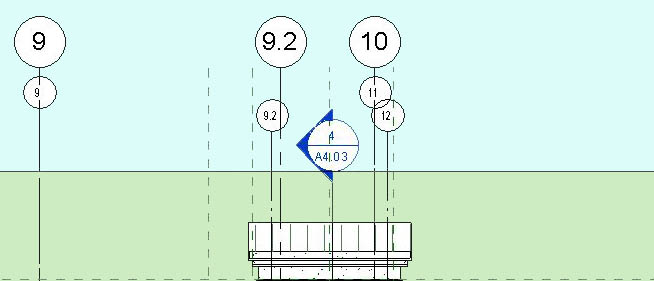
How to hide the level lines and grid lines in a linked Revit model, thus preventing duplication of grid and level lines in the current model. It’s easy . . .
Use CAD for Everything

Use CAD for Everything

by Mark | Feb 25, 2014 | Basics---Better, Featured, News and Views, The Human Side

For me, CAD is not just some software that I use for work. It’s also a great tool for understanding things and creating things.
Create 2D views from 3D object with Flatshot

Create 2D views from 3D object with Flatshot

by Mark | Nov 22, 2013 | 3D CAD, Featured, Info Transfer, Power Tools

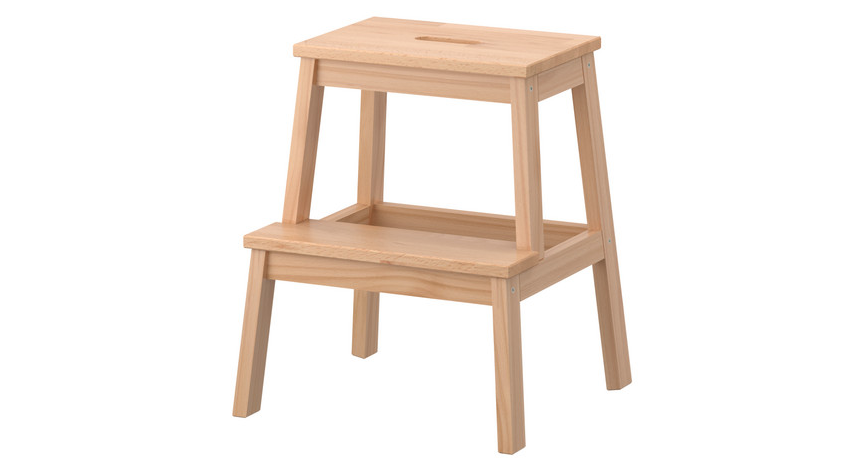
Video included! In this CAD tip we look at creating 2D views from a 3D object that we’ve imported into AutoCAD. To create it we use a command called FLATSHOT.
Importing 3D STEP file into AutoCAD

Importing 3D STEP file into AutoCAD

by Mark | Nov 7, 2013 | 3D CAD, Featured, Info Transfer, Power Tools

This post shows how to import a 3D STEP file into AutoCAD, and how to change the 3D object’s orientation to align properly . . .

Architecture & Design: Future Buildings in Dubai

Architecture & Design: Future Buildings in Dubai

by Mark | Oct 31, 2013 | 3D CAD, Featured, News and Views, Revit

I read an interesting article on some architectural projects being built, planned or proposed in Dubai. The designs are eye-opening, to say the least.

Transitioning a firm from AutoCAD to Revit

Transitioning a firm from AutoCAD to Revit

by Mark | Oct 21, 2013 | Featured, News and Views, The Human Side

The CAD to BIM transition is on the minds of many firms today, and it’s a tough challenge, whether your firm is large, small, or in between. Around the world, we’re in a time of major change in our digital design and documentation tools.

Sizing Text in CAD Dimensions

Sizing Text in CAD Dimensions

by Mark | Oct 8, 2013 | Featured, Quality Control, Settings and Options

Text in AutoCAD dimensions can be puzzling. This post will cover some basic concepts and two different approaches to controlling the size of text in dimensions. . .

Plot Styles Questions and Answers

Plot Styles Questions and Answers

by Mark | Sep 22, 2013 | Basics---Better, Featured, Quality Control, Settings and Options

Plot Style Tables are often a subject of confusion for AutoCAD users. Here are answers to some frequently asked questions regarding plot styles and line weights . . .

« Older Entries
Next Entries »

    We love sharing great tips—and gifts! Join our CAD Community!

    Click Here for Free Gift button w floor plan

    Connect with us!

    • LinkedIn
    • YouTube

    © 2021 – 2025 Mark Sadler. All rights reserved.

    About Mark

    Mark S. Sadler head shot

    Mark S. Sadler

    Architect, consultant, author, teacher

    Hi, I’m Mark Sadler, creator of Best CAD Tips. My path has taken me through many roles—architect, web publisher, author, consultant, and teacher. Along the way, I’ve also worn some of my favorite titles: husband, father, and lifelong learner. Outside of work, I’m happiest with sawdust on my hands from woodworking, sparks flying from metalworking, or a guitar in my lap, trying valiantly to sing.

    Thanks for visiting!

    The Best CAD Tips website and Residential Roof Design Using Autodesk Revit are trademarks of Mark S. Sadler. All rights reserved.

    Categories

    • 3D CAD
    • Basics—Better
    • Featured
    • Info Transfer
    • News and Views
    • Power Tools
    • Quality Control
    • Revit
    • Settings and Options
    • The Human Side
    • The Interface
    • Tip of the Day
    • Uncategorized