by Mark | Jun 10, 2012 | Featured, Power Tools, Quality Control, The Human Side
A common cause of lost speed in CAD is being mired in a complex, high-density drawing with so many objects crammed into so little work space that it’s hard to maneuver. In this tip, I will focus on one highly effective technique that I developed. I call it: The power of big even numbers. Here’s how it works . . .
by Mark | Apr 15, 2012 | Featured, Power Tools, The Interface
A great time-saving AutoCAD tool that is under-appreciated is Quick Select. With this tool you can select all objects having a property that you specify, and the options for specifying that property are practically endless. Quick Select works on . . .
by Mark | Apr 9, 2012 | Basics---Better, Featured, The Human Side, The Interface
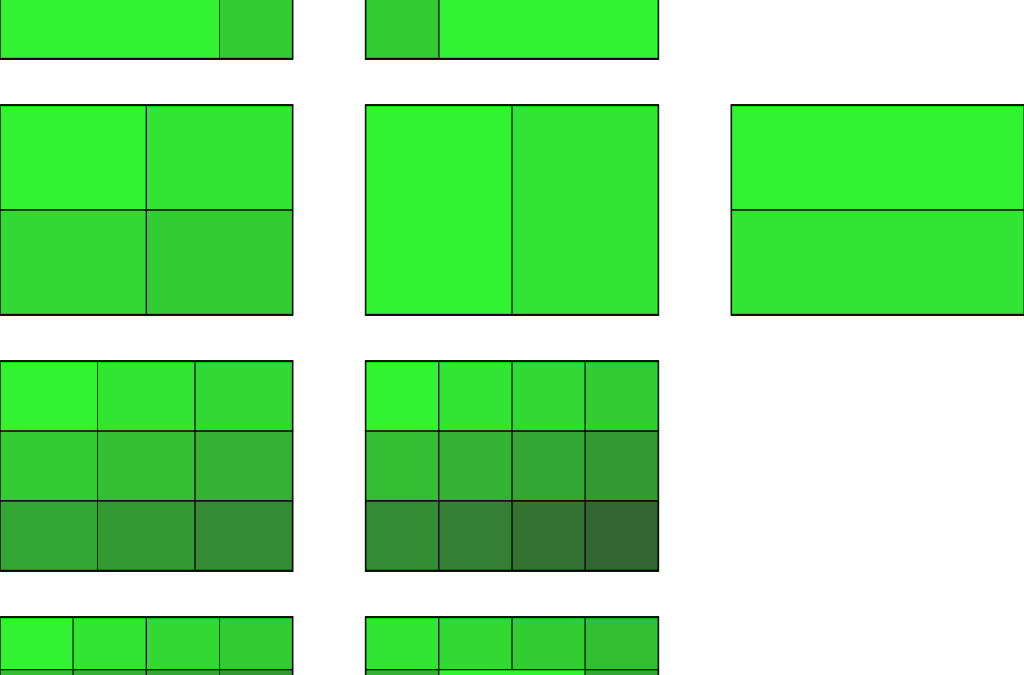
When you find yourself doing lots of panning and zooming, you may be able to save time by splitting your screen into two or more panes. There are two basic ways to use the split screen. The first . . .

by Mark | Mar 31, 2012 | Featured, The Human Side
It’s impossible to overestimate the importance of good vision. All CAD users need to take definite steps to preserve and protect their eyesight. One thing you can do to bring relief to your eyes is to follow the 20-20-20 rule…
by Mark | Mar 27, 2012 | Basics---Better, Featured, Settings and Options
Did you know that you can snap to hatch lines and other hatch objects if you want to, or change a setting and have OSNAP ignore all hatch lines if you prefer? The setting can be found in the Options dialog box…